
How to Register a K-Electric Complaint and Track It
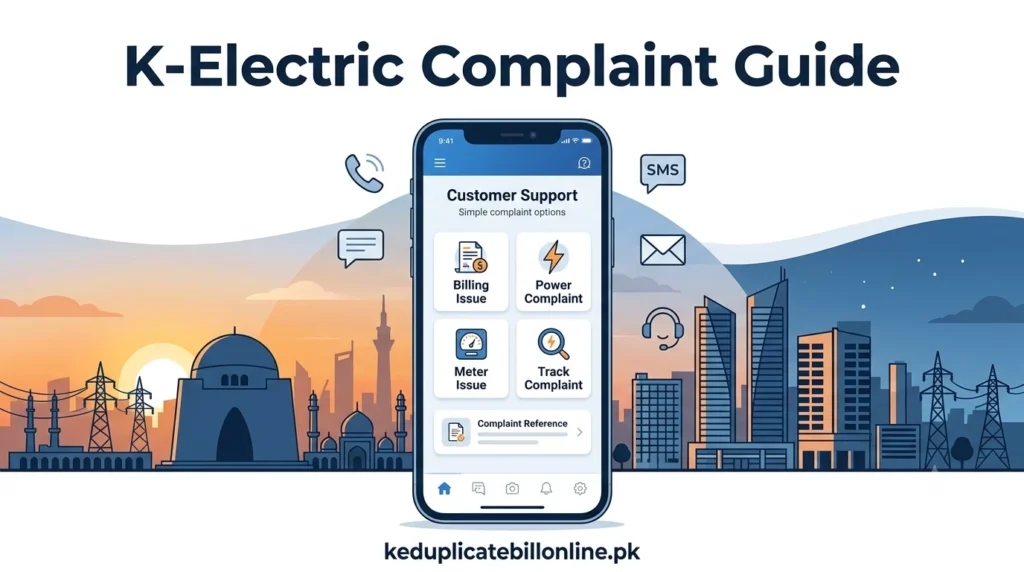
You can register a K-Electric complaint through several channels. These include the KE Live app, WhatsApp, SMS, the 118 helpline, email, or a Customer Experience Centre. After submitting a complaint, keep your reference number so you can track or follow up on the case.
Contact details below are cross-checked against K-Electric’s own site, but phone numbers, emails, and app details can change. Confirm anything critical on K-Electric’s official contact page before relying on it.
K-Electric Complaint Channels at a Glance
If K-Electric does not resolve your issue, you can escalate to NEPRA. Karachi consumers also have the Provincial Mohtasib of Sindh as a further option.
| Channel | Contact | Best For |
|---|---|---|
| KE Live App | Download on Android or iOS | Full complaint history and real-time status |
| 0348-0000118, send “Hi” | Convenient complaint registration and bilingual support | |
| SMS | 8119 | No internet access |
| Helpline | 118 | Speaking directly to a representative |
| [email protected] | Detailed written complaints with attachments | |
| Customer Experience Centre | Locations across Karachi | In-person support |
Which K-Electric Complaint Channel Should You Use?
| Problem | Best Channel |
|---|---|
| Power outage | KE Live app or 118 |
| Billing issue | KE Live app, 118, or [email protected] |
| Electricity theft or kunda | 118 or [email protected] |
| Meter problem | KE Live app or 118 |
| New connection issue | KE Live app or 118 |
| Net metering issue | [email protected] |
| Complaint follow-up | Your complaint reference number plus 118 |
If your issue is related to a new K-Electric connection, see our K-Electric new connection guide for application steps, documents, charges, and application tracking. For a billing charge you don’t understand, our K-Electric unit price guide may answer it faster than a complaint. If it’s a net metering or solar issue, see our K-Electric net metering guide.
Register a Complaint Through the KE Live App
The KE Live app lets you lodge a complaint, view your bill, report theft, and check real-time power status in one place. It also keeps a record of your complaint history, which is useful if you need to follow up later.
Register a Complaint on WhatsApp
Save 0348-0000118 to your contacts and send “Hi” to start. K-Electric’s WhatsApp service provides a convenient way to register complaints and communicate with support in English or Urdu.
Register a Complaint by SMS
Send your complaint or relevant request to 8119 using the format currently specified by K-Electric. If the service requires registration first, follow the current instructions K-Electric provides. You should receive a reference number where applicable, which you can use for follow-up.
Call the Complaint Helpline
K-Electric’s main complaint helpline is 118. If you need another landline number, check K-Electric’s current official contact page before calling. This is the most direct option if your issue needs explanation or you are unsure which channel fits your complaint.
Submit a Complaint by Email
K-Electric uses different email addresses depending on your complaint type, so the right one gets your message to the right team faster.
- General complaints and billing queries: [email protected]
- Theft or fraud reporting: [email protected]
- Net metering and solar-related queries: [email protected]
Visit a K-Electric Customer Experience Centre
K-Electric operates Customer Experience Centres and Customer Facilitation Centres across Karachi. Visit your nearest one for complaints that need in-person document verification or a face-to-face conversation. Confirm your nearest location on K-Electric’s official contact page, since exact locations and hours can change.
If your issue is a power outage rather than a billing problem, check our K-Electric load shedding schedule first. It shows whether the interruption is scheduled before you register a complaint.
What Information Should You Keep Ready?
- Your 13-digit account number or consumer number.
- A clear, specific description of the issue.
- Photos or documents if relevant, such as a meter reading or a copy of your bill.
- Any previous complaint reference number if this is a follow-up.
Having this ready before you contact K-Electric saves time on every channel, especially the helpline and WhatsApp.
How to Track Your K-Electric Complaint
Your complaint reference number is the most important detail to keep after registering a complaint. K-Electric uses it to identify your case and provide an update, so save it as soon as you receive it.
- Keep your complaint reference number from whichever channel you used.
- Open the KE Live app if you submitted your complaint there, and check your complaint history.
- Call 118 and provide your reference number if you need a status update.
- If a representative gives you a resolution timeline, note it down so you know when to follow up again.
- If your complaint remains unresolved past that timeline, escalate through the appropriate channel below.
How Long Does a K-Electric Complaint Take?
There is no single resolution time for every complaint. Power outages, billing disputes, meter problems, and other service requests may follow different timelines. K-Electric may provide a resolution timeline when you register your complaint. Keep your complaint reference number and follow up if the issue remains unresolved after the given timeline.
What to Do If K-Electric Does Not Resolve Your Complaint
Escalate to NEPRA
If K-Electric does not resolve your complaint in a reasonable time, you can escalate to NEPRA. NEPRA is Pakistan’s electricity-sector regulator and handles consumer complaints under its applicable regulatory framework. Check NEPRA’s website directly for the current process and requirements.
The Asaan Approach app allows consumers to submit complaints directly to NEPRA.
Other Available Complaint Channels for Karachi Consumers
For Karachi consumers, the Provincial Ombudsman, or Mohtasib, of Sindh may provide another avenue for complaints involving eligible public services. Check its current jurisdiction and complaint requirements before filing, since this can vary by case.
Screenshots of your original complaint, any reference numbers, and written responses from K-Electric all strengthen your case. Keep these at every stage if you need to escalate further.
Final Advice
Start with the fastest channel that fits your situation, WhatsApp or the KE Live app for most issues, the helpline if you need to explain something complex. Keep your reference number no matter which channel you use, since that single detail makes every future follow-up faster. If K-Electric genuinely cannot resolve your issue, escalating further is a real option, not just a theoretical one. NEPRA and, for Karachi consumers, the Sindh Mohtasib are both available for exactly that.
Frequently Asked Questions
Once your issue is resolved, check your K-Electric duplicate bill to confirm the correction. Our K-Electric bill payment guide covers every way to pay once things are sorted.