K-Electric Bill Payment Methods: Pay KE Bill Online and Offline
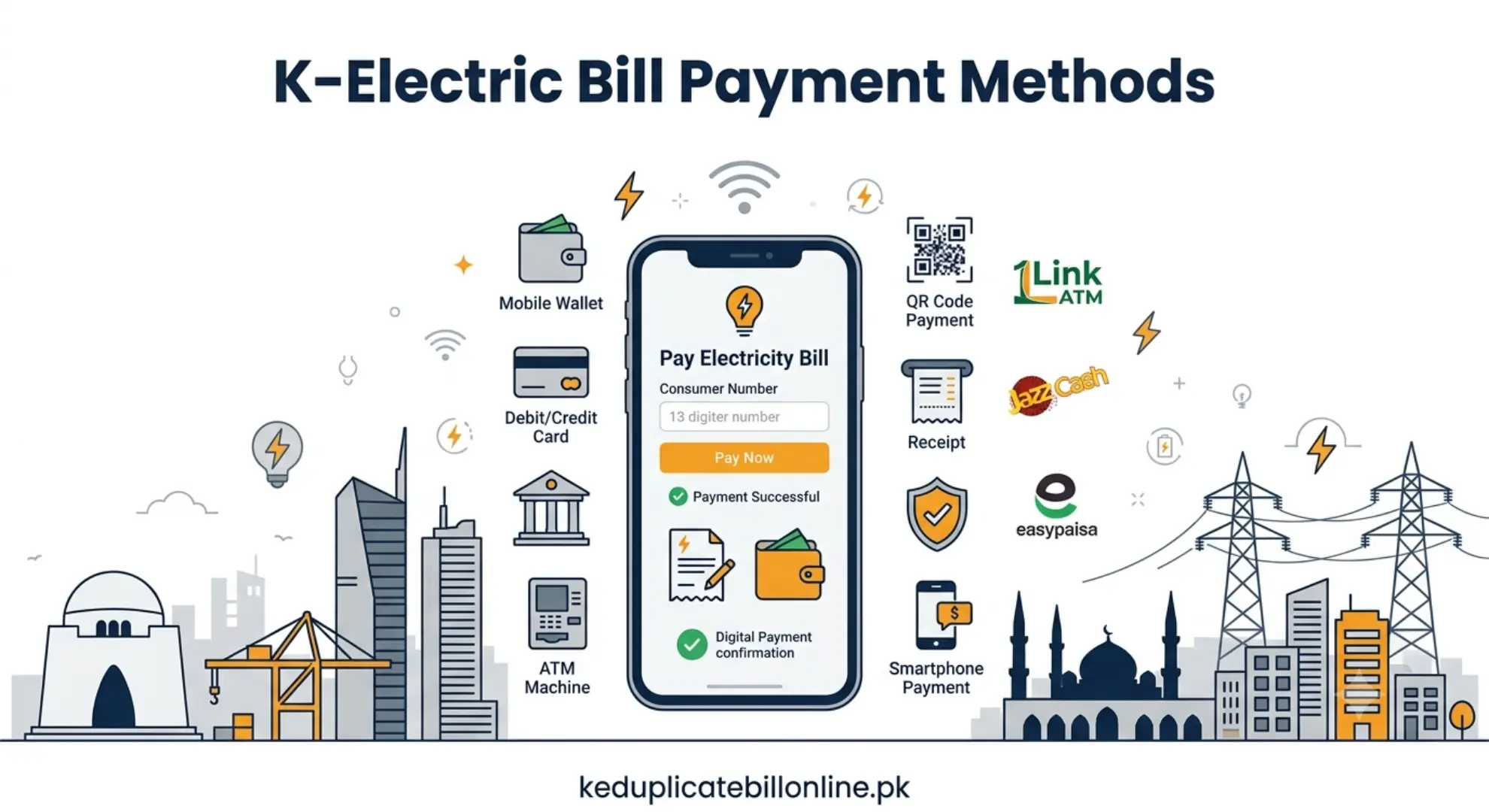
You can pay your K-Electric bill through mobile wallets, internet or mobile banking, the KE Live app, supported ATM channels, bank branches, customer centers, and other available payment channels. This K-Electric bill payment guide explains how the main payment methods work and what to do if your payment does not appear on your K-Electric account.
Comparison of K-Electric Bill Payment Methods
| Method | Availability | Best For |
|---|---|---|
| JazzCash / Easypaisa | Online | Paying from your phone |
| Internet/mobile banking | Online | Existing bank customers |
| KE Live App | Online | Paying through K-Electric |
| 1Link-enabled ATM | ATM | Paying without a smartphone |
| 1BILL | Online | Paying through supported bill-payment channels |
| Bank branch | In person | Cash or branch payments |
| K-Electric customer center | In person | Payment plus customer support |
| Post office | In person | Customers who prefer postal payment |
Fees and payment-reflection times vary by channel and provider. Check the amount and confirmation shown by your selected payment method before completing the transaction.
Online Payment Methods
JazzCash and Easypaisa
JazzCash and Easypaisa provide mobile bill-payment options that can be used for K-Electric bills.
For JazzCash, open the app or dial *786# on your phone. Go to Bill Payment or Utility Bills, select Electricity, then K-Electric. Enter your 13-digit account or consumer number, confirm the amount shown, and complete the payment. Save the transaction ID from your JazzCash history as proof of payment.
For Easypaisa, open the app and tap Bill Payment, then Electricity, then select K-Electric. Enter your reference or consumer number, review the amount and consumer name shown, and confirm. Save the payment confirmation or transaction ID provided by Easypaisa as proof of payment.
Always double-check the consumer name and amount shown before confirming either payment.
Internet and Mobile Banking
Many banks provide K-Electric bill payment through their mobile and internet banking services. Look for Utility Bills or Bill Payment, select K-Electric as the biller, and enter your required account details. Confirm the payment.
KE Live App
The KE Live app lets customers manage their K-Electric account and make payments through K-Electric’s digital service.
ATM Payment via 1Link
A participating 1Link-enabled ATM may allow you to pay your K-Electric bill using your debit or ATM card. Availability and any applicable charges depend on the participating bank and ATM.
ATM Payment via 1Link
Where supported by your bank or payment provider, 1BILL can be used for utility bill payments. Check whether K-Electric is currently available as a biller on your selected channel.
Offline Payment Methods
Bank Branches
Designated bank branches can accept K-Electric bill payments. Availability depends on the bank and collection arrangement. Bring your bill or account number to the counter.
K-Electric Customer Centers
K-Electric’s own Customer Experience Centers and Customer Facilitation Centers across Karachi accept payments directly, useful if you also need to raise a question or resolve an issue at the same time.
Pakistan Post Offices
Some Pakistan Post offices may provide utility bill collection services. Confirm that your local post office currently accepts this payment before visiting.
What Do You Need to Pay Your K-Electric Bill?
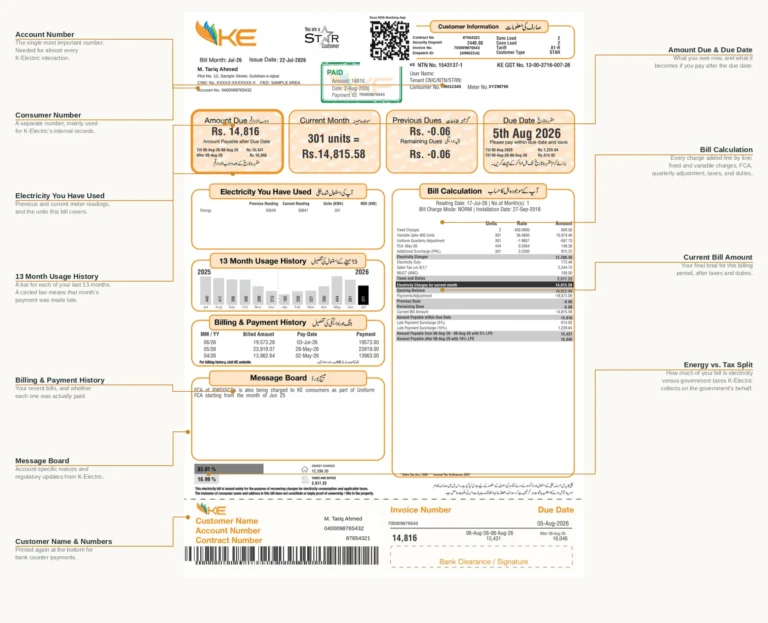
Keep your K-Electric account details or a copy of your bill ready before making a payment. Depending on the payment channel, you may also need your consumer number or other account information the provider requests. Always check the consumer name and bill amount before confirming the transaction.
What to Do If Your Payment Doesn’t Reflect
Payment-reflection time depends on the payment channel. If your payment provider confirms a successful transaction but your K-Electric bill still shows unpaid, keep your receipt handy. Contact the relevant provider or K-Electric for assistance.
If your wallet shows a successful payment but K-Electric has not received it, contact the wallet or payment provider first. Keep your transaction ID. If the issue remains unresolved, follow the provider’s formal complaint process.
If you accidentally pay your bill twice, keep both transaction receipts. Contact K-Electric if the extra payment is not correctly reflected on your account. If you’re living abroad and don’t know how to pay your K-Electric bill, check out our K-Electric Bill From Abroad Guide for simple payment options and step-by-step instructions.
Payment Tips
- Always verify the consumer name and amount shown match your actual bill before confirming any payment.
- Save your transaction ID or receipt for every payment, regardless of method.
- Pay before the due date to avoid late payment surcharges.
- If a payment fails or doesn’t reflect, check your transaction history before trying again, to avoid accidentally paying twice.
For your current bill amount and due date, check your K-Electric duplicate bill. If a payment issue turns into a dispute K-Electric won’t resolve, our K-Electric complaint guide covers how to escalate it.